Guest Check-In
Managing your guest list
Edit, delete, and add guests anytime.
1
Viewing your guest list
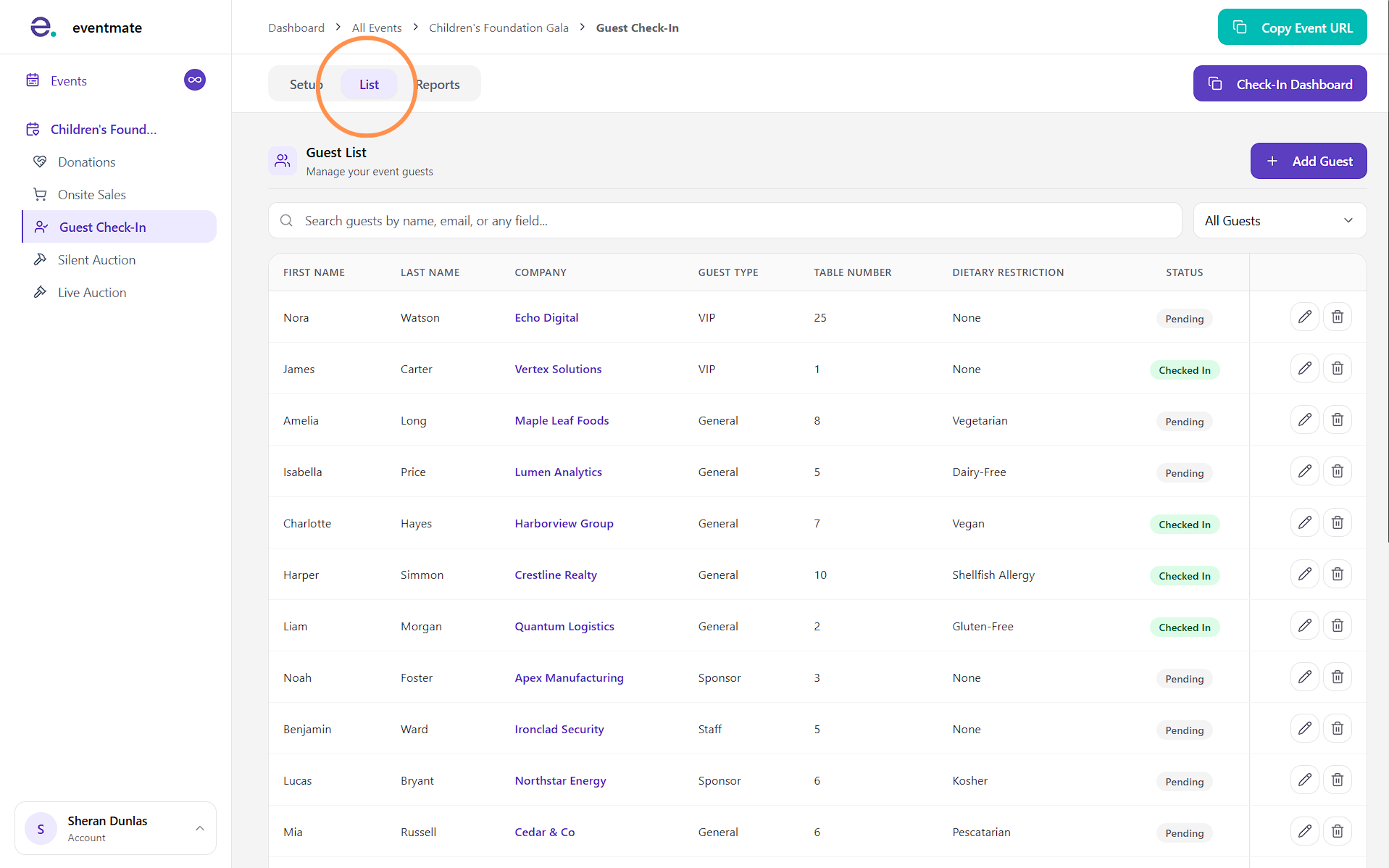
The List tab is where you can view every guest you've uploaded to the system.
You can search for specific guests or filter them by whether they've checked in or are still expected.
Note that guests appear in the same order you uploaded them.
2
Editing and deleting guests
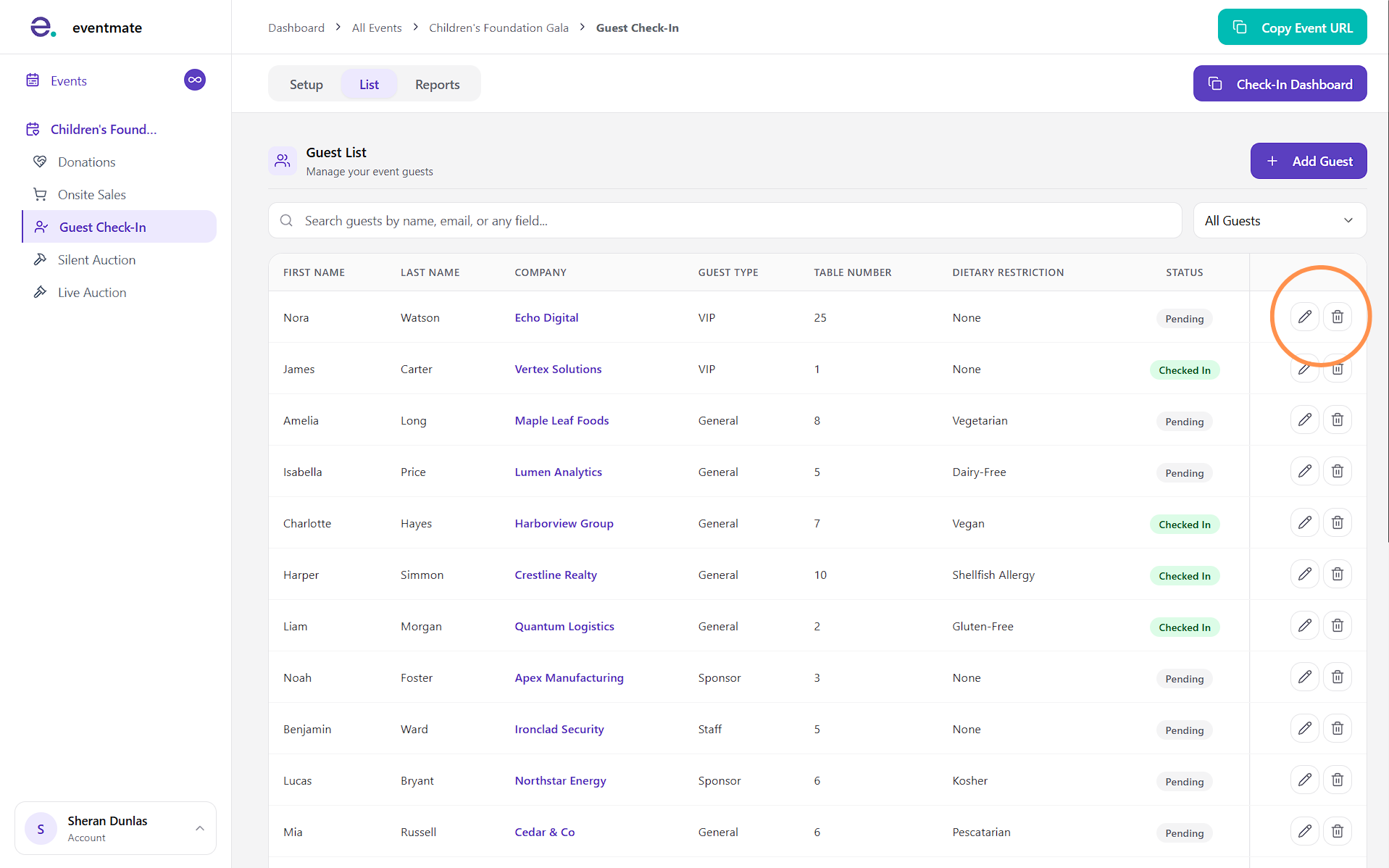
To edit an individual guest's details, click the pencil icon.
To remove a guest from your list, click the trash can icon.
3
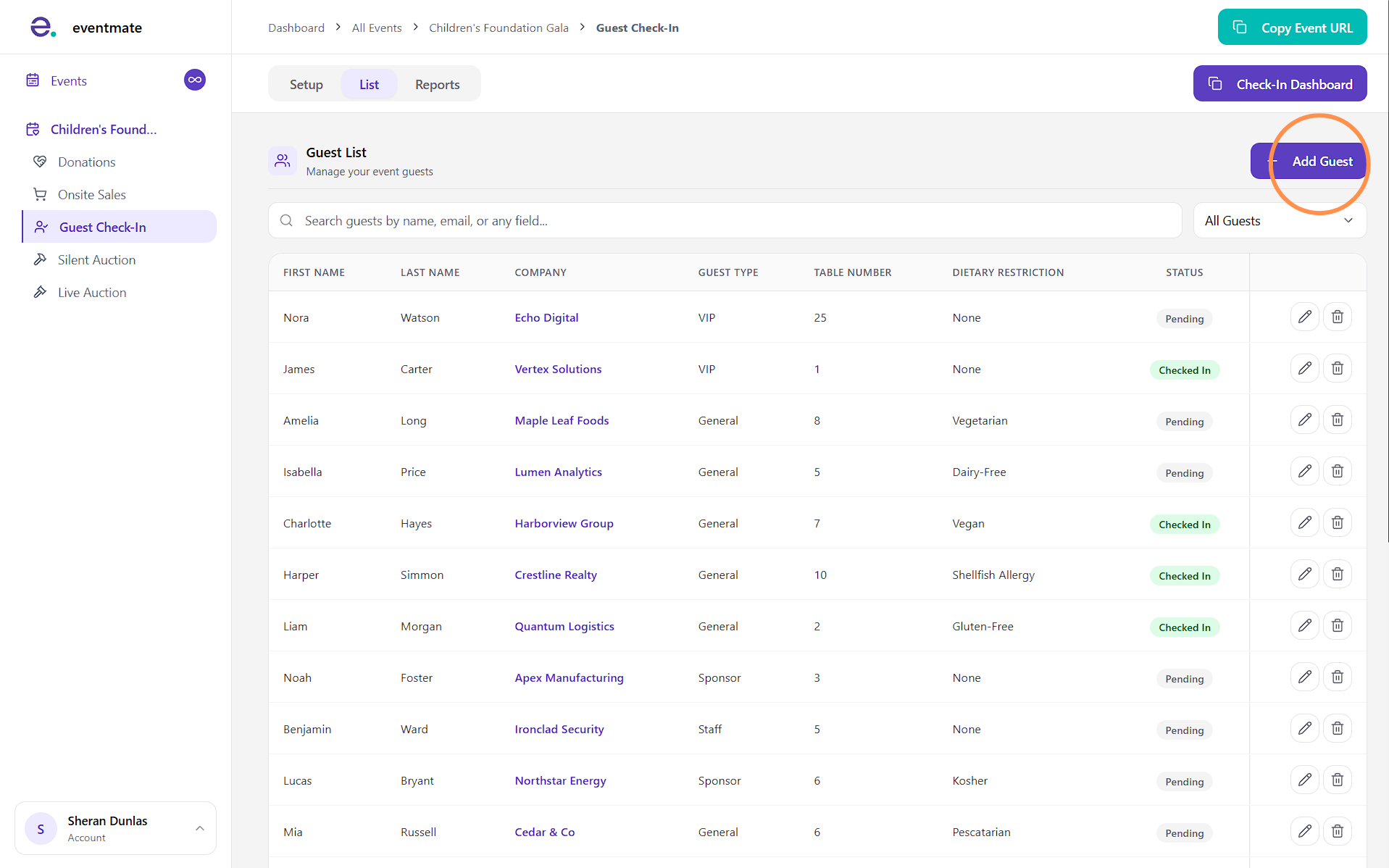
Adding guests individually
To add a guest, click the Add Guest button in the top-right corner. This is a quick way to add individual guests without uploading a full list.