
Guest Check-In
Running check-in at your event
Check in guests from any device with a simple, shareable dashboard.
Getting around the check-in dashboard
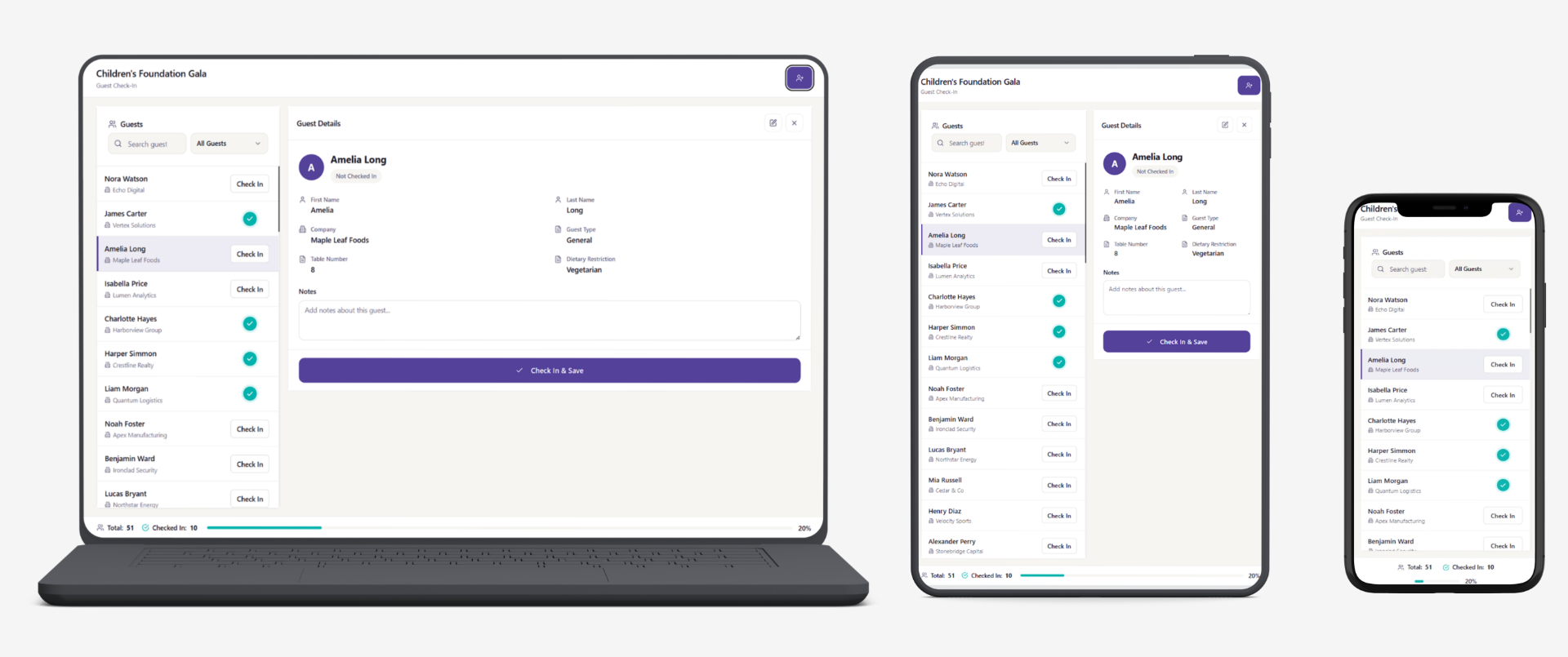
The check-in dashboard works on any device and is optimized for all of them, so your team can even check guests in from a phone.
It's built to be simple and easy to navigate: you can search for guests by name or organization, edit their details on the spot, add new guests, and leave notes — all from one screen.
There's no app to install; everything runs from a single link.
Getting your check-in dashboard link
To get the link, go to the Setup or List tab and click the Check-In Dashboard button in the top-right corner. A window will open where you can enable the link and copy it to share with the team handling check-in at your event.
Once your event is over, follow the same steps to disable the link so no one can access it. Note that a new link is generated each time you disable and re-enable it.