Onsite Sales
Managing your sales & reports
View your sales activity and export detailed reports.
1
Accessing your reports
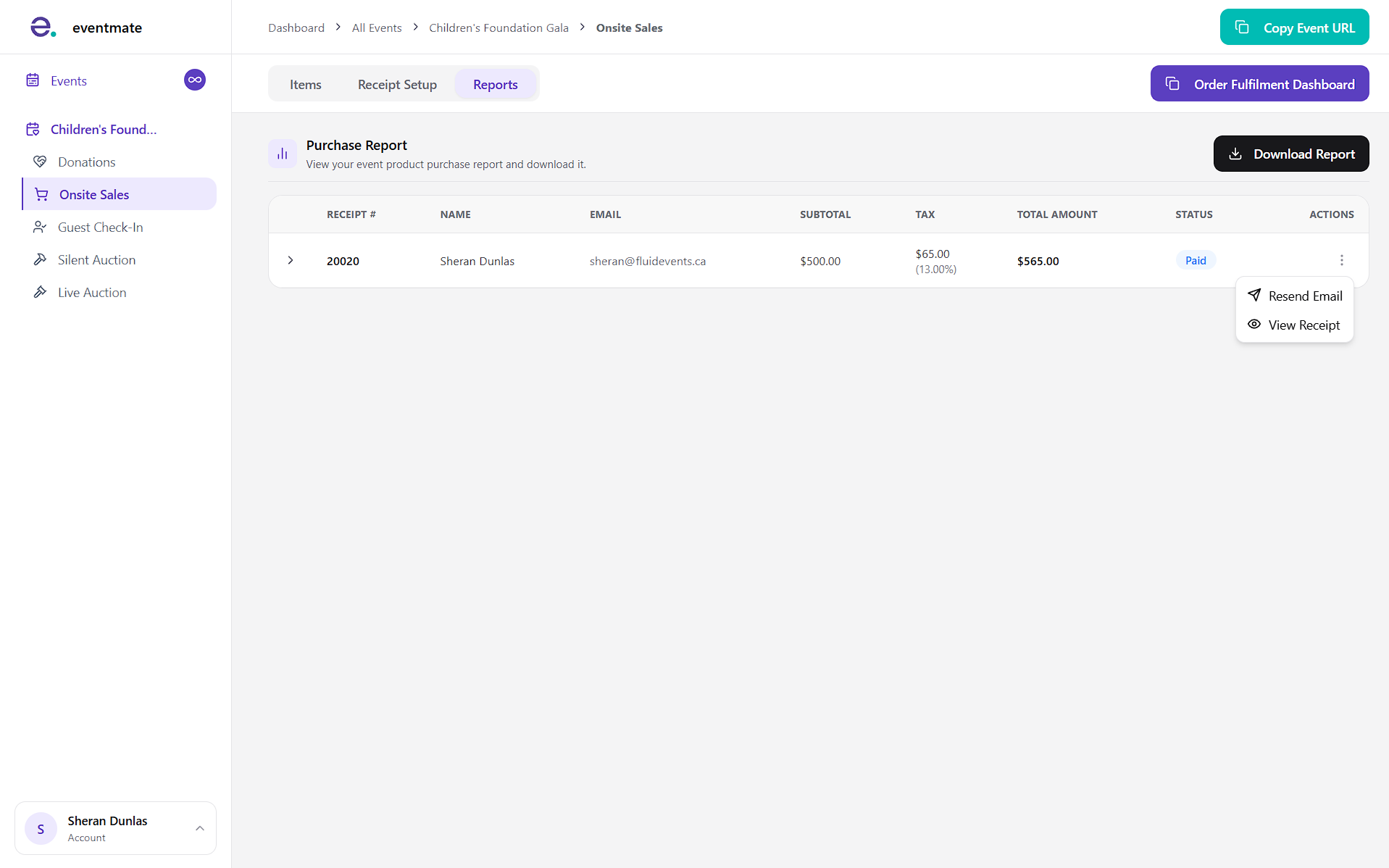
Click the Reports tab in the on-site sales section to open your sales report. At a glance, this section shows:
- Receipt number
- Purchaser name
- Email address
- Subtotal
- Tax (if applicable)
- Total
- Payment status: Whether the sale was paid or refunded.
Click Download Report to export a detailed report of your sales in CSV format.
2
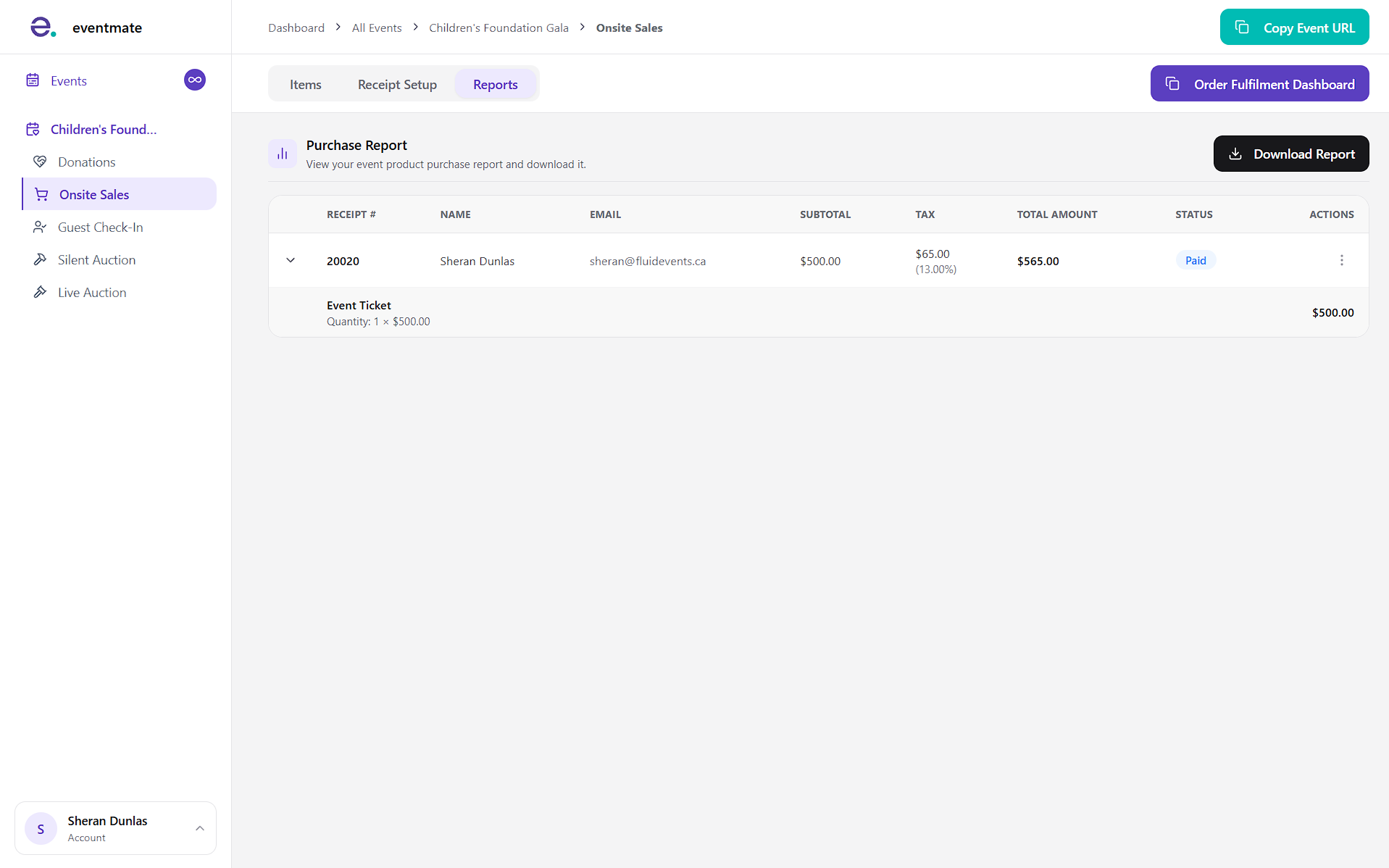
Resending and viewing receipt
Click the three dots to open more options, where you can resend the receipt email or view the receipt details.