Silent Auction
Sharing your auction page and leaderboard
Get the links your guests use to bid and follow the action.
1
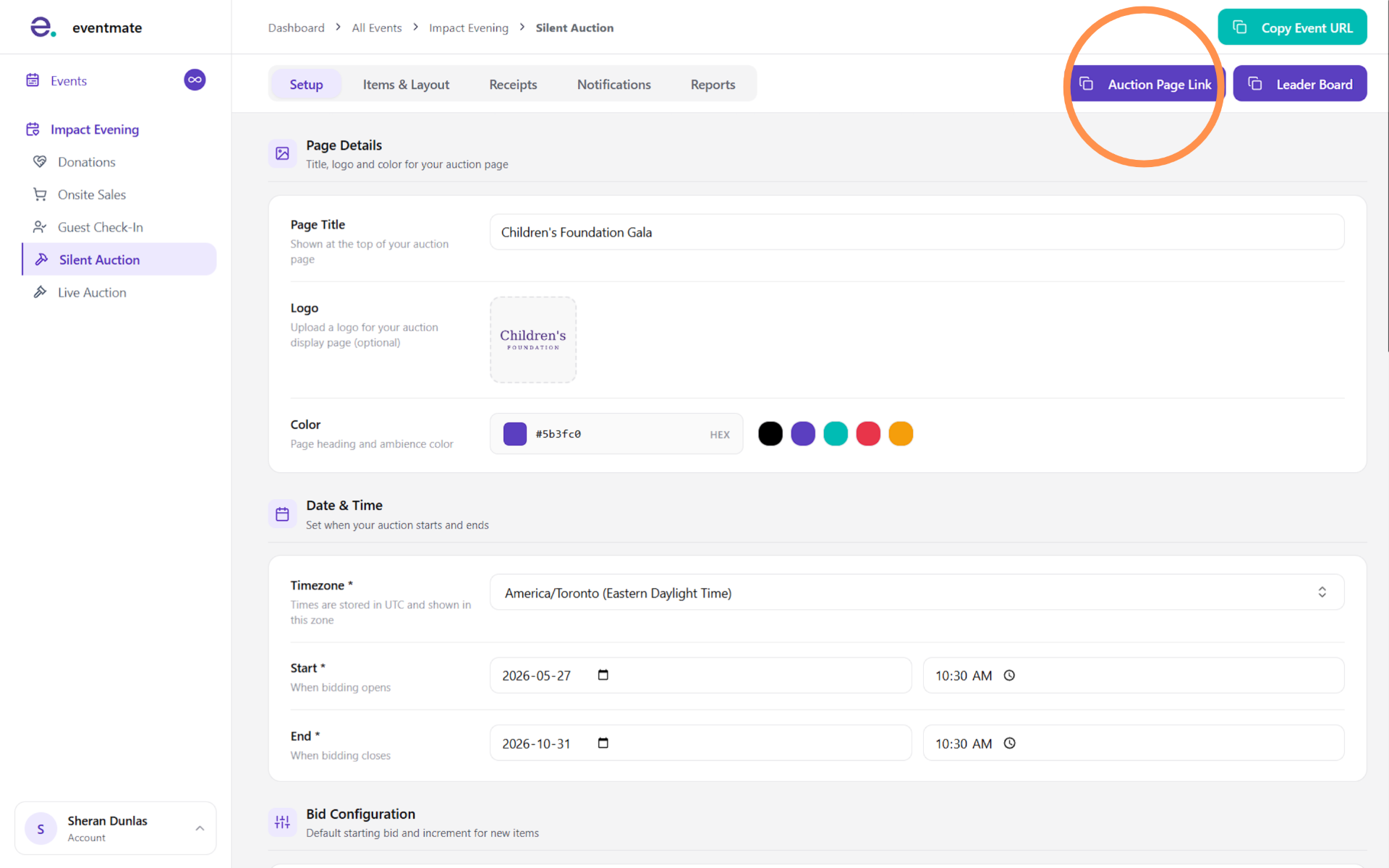
Sharing your auction page link
Click the Auction Page Link button in the top-right corner to copy the public link to your silent auction page.
This is the page guests use to browse items and bid. Unlike other pages in eventmate, there's nothing to enable or disable here — since the auction is meant to be open to everyone, it's always a single live link you can share freely.
2
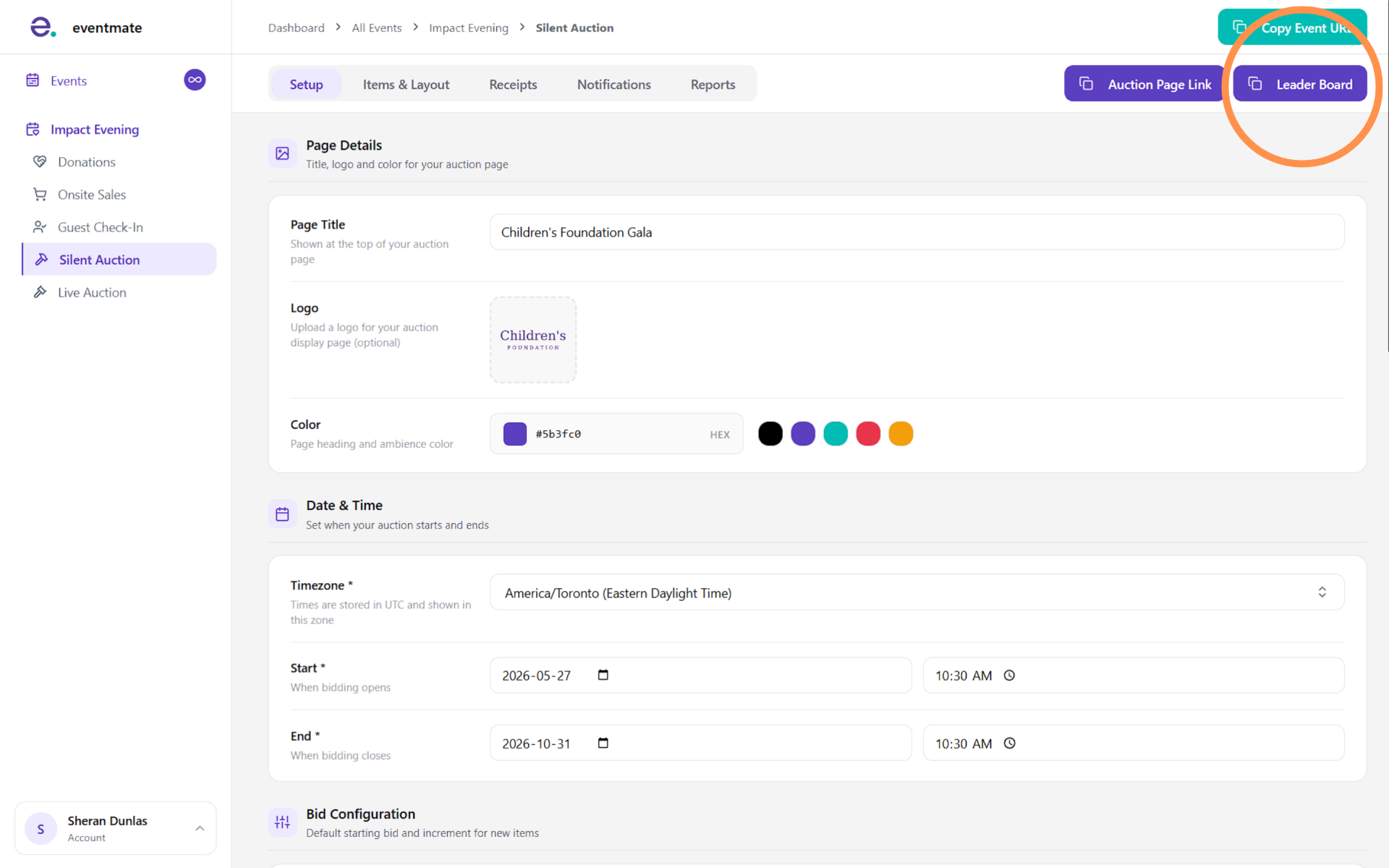
Sharing your leaderboard
Click the Leader Board button to open your silent auction leaderboard — a live display of all the items and bidding activity, ideal for showing on screens during your event to build excitement and encourage more bidding.